How to Choose the Right USB-C Charger or Power Bank
Have you ever bought a cheap charger only to find it charges too slowly — and ended up buying a replacement anyway? When it comes to chargers and power banks, knowing how to read the specs makes all the difference in satisfaction. Here are four key things to check before you buy.
Why Wattage Is the Most Important Factor
Wattage is the single most important indicator of charging speed. Higher wattage means faster charging — but only if your device actually supports it.
Wattage Guide by Use Case
- Around 20W: For charging a single smartphone
- 45–65W: For thin-and-light laptops or tablets in addition to your phone
- 100W+: For charging multiple devices at once, including a MacBook Pro or gaming laptop
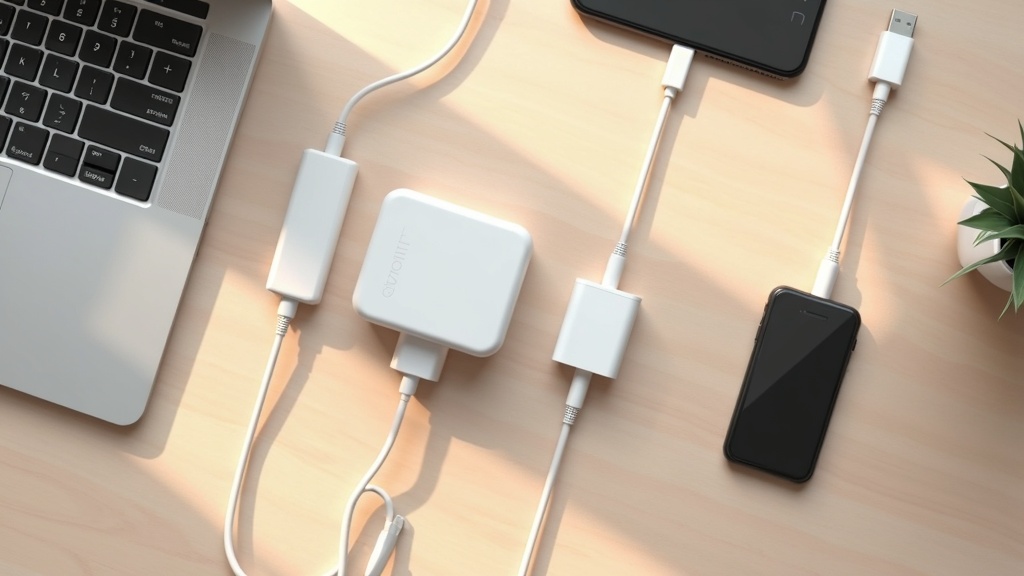
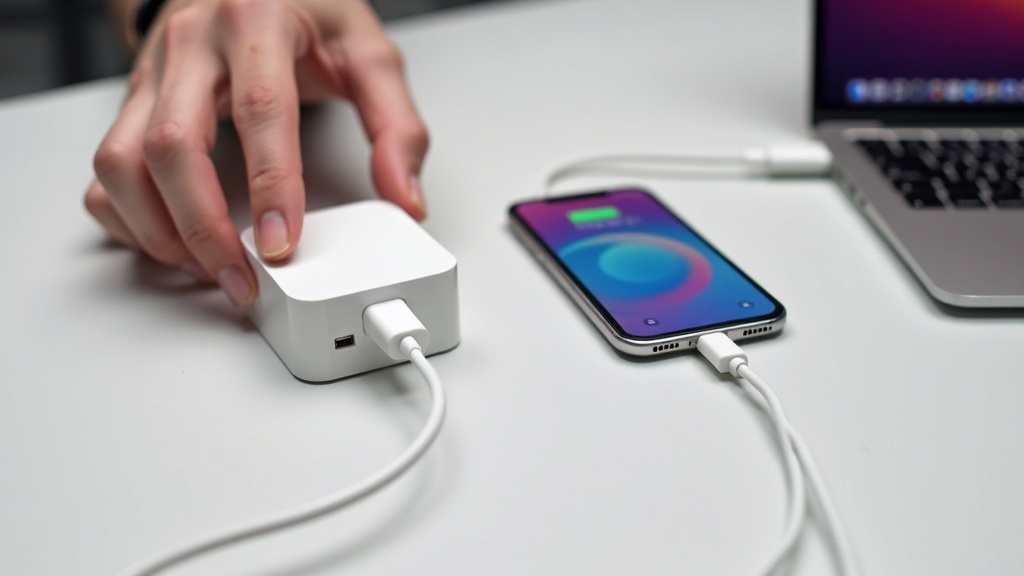
If you’re only charging a smartphone, 20–30W is plenty. But if you want one charger to handle both your phone and laptop, going with 65W or higher eliminates the hassle of carrying two separate chargers.
Why You Should Choose a GaN Charger
GaN (Gallium Nitride) is a semiconductor material that replaces traditional silicon components. Its superior power conversion efficiency allows chargers to be built smaller and lighter at the same wattage — and that’s its biggest selling point.
Put a traditional 65W charger next to a GaN 65W charger and the size difference is immediately obvious. If you frequently toss a charger into a bag for travel or business trips, the benefits of going GaN are significant. The reduced heat generation also provides peace of mind during extended use.
How to Evaluate Port Count and Charging Standards
Multi-port chargers look convenient, but there’s a catch. Most models reduce the maximum output per port when multiple ports are used simultaneously.
Standards to Verify Before Buying
- USB PD (Power Delivery): The international standard required for high-wattage charging
- PPS (Programmable Power Supply): Whether it supports proprietary fast-charging protocols on Android devices
- Single-port vs. multi-port maximum output: The difference when one port is used alone versus all ports used at the same time
“Total output” and “maximum output per port” listed in the specs are two different things. Always check the manufacturer’s official page for the full details before purchasing.
Charger vs. Power Bank: Which One Do You Actually Need?
Trying to get by with just one or the other often leads to frustration. Clarifying your use case upfront makes the decision much easier.
You Mostly Have Access to an Outlet
Prioritize a high-wattage charger. A compact, lightweight GaN model is your best bet.
You’re Away from Power Sources for Long Stretches
Go for a high-capacity power bank. The 10,000–20,000mAh range covers most needs.
You Want One Device That Does Both
Power banks with a built-in wall charger do exist, but be aware that the added functionality comes with added weight — that’s the trade-off.
Top 8 Picks | USB-C Chargers & Power Banks Comparison
With the key selection criteria in mind, we’ve handpicked 8 products that are most likely to make your shortlist. Split into 4 chargers and 4 power banks, we’ll break down each one from both a specs and real-world usability perspective.
Comparison Chart: Output Wattage, Port Count, Weight & Price Range
| Product | Type | Max Output | Ports | Highlights |
|---|---|---|---|---|
| Anker 735 Charger GaN Prime 65W | Charger | 65W | 3 (C×2 + A×1) | Compact, great for everyday carry |
| Anker Prime 100W GaN Charger | Charger | 100W | 4 (C×2 + A×2) | Desktop powerhouse, high output |
| CIO NovaPort TRIO 65W | Charger | 65W | 3 (C×2 + A×1) | Japanese brand, slim profile |
| Baseus GaN5 Pro 65W | Charger | 65W | 4 (C×2 + A×2) | Best value, multi-port |
| UGREEN Nexode 100W | Charger | 100W | 4 (C×3 + A×1) | USB-C focused, PD3.1 support |
| CIO SMARTCOBY PRO SLIM 10000mAh | Power Bank | 20W | 2 (C×1 + A×1) | Slim, lightweight, doubles as charger |
| Baseus PowerBank 20000mAh 65W | Power Bank | 65W | 3 (C×2 + A×1) | High capacity meets high output |
| Anker PowerCore III Elite 25600mAh | Power Bank | 87W | 3 (C×2 + A×1) | Max capacity, laptop-ready |
How to read this chart: “Charger” models plug into a wall outlet at home or in the office, while “Power Bank” models work as standalone units on the go. If you want one device that does both, a charger/power bank hybrid like the CIO SMARTCOBY PRO is worth a close look.
① Anker 735 Charger (GaN Prime 65W)
This is the go-to USB-C charger for most people. Thanks to GaN Prime technology, it delivers a stable 65W output while running cooler than older GaN chargers. With a USB-C×2 + USB-A×1 three-port layout, you can simultaneously charge a laptop, smartphone, and wireless earbuds.
- GaN Prime runs cooler than previous-gen models
- Maintains up to 65W even when all 3 ports are in use
- Built-in Anker safety features (PowerIQ & VoltageBoost)
Downsides: When all three ports are in use, output is divided among them — so if you need the full 65W for your laptop, you’ll want to use it solo. It’s also not suited for situations requiring 100W or more.
If you want 65W split across three ports in a thin, compact package, check out the latest price on the Anker 735 Charger.
② Anker Prime 100W GaN Charger
This is the premium model for anyone who wants to charge all their devices from a single desktop charger. With up to 100W output, it can charge 16-inch laptops at speeds close to their original adapters.
- 4-port setup: 2 USB-C + 2 USB-A
- Single-port max output of 100W
- Works with the Anker App to monitor per-port output in real time
Downsides: It’s larger and heavier than the 65W model, making it less ideal for travel. It’s also pricier, so make sure you actually need 100W before committing.
③ CIO SMARTCOBY PRO SLIM 10000mAh
This model is a direct answer to the “I want one device that’s both a charger and a power bank” request. You can plug it directly into the wall to recharge the internal battery while simultaneously passing power through to your smartphone. Designed by Japanese brand CIO, it’s a solid choice for anyone who values quality control and local customer support.
- Built-in wall plug — works as a standalone charger without any cable
- Slim form factor fits easily in a pouch or pocket
- Simple 2-port layout: USB-C×1 + USB-A×1
Downsides: Max output tops out at 20W, so it’s not suitable for laptops or other high-power devices. The 10,000mAh capacity may also fall a bit short if you need to fully charge a large smartphone two or three times.
This model packs 10,000mAh into a slim, compact body. Check the official product page for pricing and full specs — if easy fit in a bag is a priority, it’s well worth a look.
④ CIO NovaPort TRIO 65W
The standout model in CIO’s charger lineup, striking the right balance between portability and output. It packs 65W and three ports (USB-C×2 + USB-A×1) into a slim form factor that slides easily into a travel pouch or carry-on bag.
- Japanese brand with strong domestic customer support
- Slim profile fits into tight spots in your bag
- PSE certified, meeting Japanese safety standards
Downsides: Street price tends to run a bit higher than Anker and other international brands. Check the official site for the latest specs on power distribution when all three ports are in use.
The big appeal here is getting 65W output and 3 ports in a compact package — enough to cover a laptop, phone, and tablet all at once. Check the latest pricing and availability if this sounds like the right fit.
⑤ Baseus GaN5 Pro 65W
If you want multiple ports without breaking the bank, the Baseus GaN5 Pro deserves a hard look. It delivers 65W across a 4-port layout (USB-C×2 + USB-A×2), making it one of the best value options for users who carry multiple devices.
- 4-port 65W chargers are rare — this one stands out in a limited field
- GaN5 generation tech keeps heat under control
- Foldable plug for compact, travel-friendly storage
Downsides: Baseus is a Chinese brand, so domestic after-sales support is more limited compared to Anker or CIO. Be sure to check the official specs for per-port output when all four ports are running simultaneously.
If you’re after a compact GaN charger that squeezes 65W into a small body, check out the latest price and full specs for the Baseus GaN5 Pro 65W.
Baseus GaN5 Pro 65W
⑥ Baseus PowerBank 20000mAh 65W
This power bank earns high marks from heavy users who need both large capacity and fast output. The 65W output makes charging a laptop a realistic option, and it’s a great fit for anyone who wants a single unit to cover a smartphone, tablet, and PC.
- 20,000mAh capacity — enough for 4–5 full smartphone charges
- 65W output supports laptop charging
- 3-port layout: USB-C×2 + USB-A×1
Downsides: A 20,000mAh, 65W unit comes with real weight. It may feel like a burden in a daily commuter bag, so it’s more practical to think of this as your go-to for long trips or extended travel. Check the official site for exact weight figures.
It often comes in a few dollars cheaper than comparable Anker models while supporting up to 4 devices at 65W — worth checking the latest price if you’re prioritizing value.
⑦ Anker PowerCore III Elite 25600mAh
This is the highest-capacity model in the lineup. At 25,600mAh, you can charge a laptop multiple times — giving you serious peace of mind on business trips or long journeys where outlets aren’t guaranteed. The 87W output supports USB-C PD-compatible laptops as well.
- 25,600mAh — one of the largest capacities available
- 87W output handles laptops and multiple devices simultaneously
- 3-port layout: USB-C×2 + USB-A×1
Downsides: That much capacity means real weight. Also, airline carry-on regulations apply — most carriers restrict or require declaration for batteries over 100Wh on both domestic and international flights. Always verify before you travel.
If the 25,600mAh capacity and 87W output spec catches your eye, check current pricing and full details. It’s a strong contender when you need one unit to cover a laptop and several other devices.
⑧ UGREEN Nexode 100W USB-C Charger
For users who want to go all-in on USB-C, the UGREEN Nexode is a top contender. It offers 4 ports (USB-C×3 + USB-A×1) with up to 100W output and PD3.1 support. Having three USB-C ports is a genuine differentiator — most competitors simply don’t offer that.
- Three USB-C ports is a unique advantage you won’t find on most rivals
- PD3.1 support enables fast charging on compatible devices
- GaN technology keeps the form factor compact for a 100W charger
Downsides: UGREEN is a Chinese brand, so domestic support differs from Anker and similar brands. Heat generation at full 100W output is worth testing in your actual use environment. Check the official site for the latest specs and pricing.

For the latest price and full specs on the UGREEN Nexode 100W, check the official product page. It’s roughly 40% more compact than traditional 100W chargers thanks to GaN technology, making it a particularly strong pick if you need to charge a MacBook Pro and iPhone at the same time.
How to Choose the Right Charger for Your Needs
Even after reviewing a comparison chart, many people still wonder, “Which one is actually right for me?” Choosing based purely on specs and price often leads to regret — like buying a 65W charger for on-the-go use only to find it too heavy. Here’s how to narrow down your options by use case.
Primarily Charging a Smartphone: Prioritize Compact Size
If you’re mainly charging a smartphone, 25–45W of output is more than enough. Anything beyond that directly adds to the price and physical size of the charger, making it easy to end up with more than you actually need.
What to Check
- Look for a weight under 50g for comfortable everyday carry
- Check whether the charger has a foldable plug
- A single USB-C port is sufficient for most use cases
Charging a Laptop: When You Need 65W or More
If you’re powering a laptop via USB-C, an underpowered charger can result in the battery draining even while plugged in. Most ultrabooks and portable laptops need 45–65W, while high-performance models under heavy load may require around 100W.
Important Note: Even a GaN 65W charger will split its output across ports when multiple devices are connected simultaneously. Always check the product specs to see the difference in output between single-device and multi-device charging.
Business Travel: What to Look for in a High-Capacity Power Bank
When charging opportunities are limited on the road, it’s easier to think in terms of “how many full charges can I get” rather than raw capacity. A 10,000mAh power bank typically delivers 1–2 full charges for a smartphone with a 4,000–5,000mAh battery. Keep in mind that conversion losses mean the rated capacity is never fully usable.
Recommended Capacity by Use Case
- Day trips and short commutes: around 10,000mAh
- 1–2 night business trips: around 20,000mAh
- Airline carry-on limit is 100Wh (approximately 27,000mAh equivalent) — confirm before you fly
Cafés and Desk Work: Getting the Most Out of a Multi-Port Charger
When working at a café or shared office, you’ll often need to charge your phone, laptop, and wireless earbuds all at once. That’s where a charger with two or more USB-C ports comes in handy. However, many models reduce the output to each port as more devices are connected, so always verify the simultaneous output to both the laptop and phone ports before buying.
Key Points for Desk Work Chargers
- A configuration with at least 2× USB-C + 1× USB-A is the most versatile
- Always compare the “maximum single-port output” vs. “simultaneous output” for the laptop port
- If using with a power strip, a compact plug-in model saves desk space
Brand Comparison: Features and Reliability
Even after narrowing down the type of charger you need, choosing the right brand is another common sticking point. Even at the same specs, differences in warranty coverage and customer support can make a significant difference in long-term satisfaction. Here’s a breakdown of the four major brands.
Anker: Consistent Quality and Strong Support
Anker’s biggest strength is its consistent product quality with minimal variation between units. Their proprietary charging technology, PowerIQ, automatically detects connected devices and delivers the optimal current for each one.
Anker also offers extended warranty coverage through product registration, and Japanese-language customer support is available if you ever run into a defect. That said, compared to competitors at the same specs, Anker tends to be priced a bit higher. It’s the go-to choice when you want peace of mind above all else.
Check the latest pricing and availability for the Anker Prime — a charger that maintains up to 100W across four simultaneous ports — on the official product page. The compact GaN design is worth seeing in real product photos, too.
CIO: Domestic Brand Reliability and Clean Design
CIO (Compact IoT) is a Japanese brand based in Osaka. Beyond holding the required PSE certification, they handle everything from product planning to quality control entirely within Japan — a reassuring factor for buyers wary of overseas brands. Any issues can be resolved through their domestic support channels.
Aesthetically, CIO products often feature a clean white design that blends naturally into desk or café setups. The main trade-off is a more limited product lineup compared to Anker or Baseus.
Baseus: Great Value and a Wide Range of Options
Baseus offers competitive pricing within each wattage tier, making it a natural entry point for those who want to try fast charging without a big commitment. Their lineup spans power banks, chargers, and cables, making it easy to buy everything from one brand at once.
Build quality has improved noticeably in recent years, though some users report inconsistency between production batches. Japanese-language customer support isn’t as robust as Anker’s or CIO’s, so that’s a trade-off to keep in mind.
UGREEN: A Strong Contender in High-Output Charging
UGREEN has built a solid reputation through its Nexode series, offering a strong lineup of high-output GaN chargers exceeding 100W. They’re well-regarded for delivering multi-laptop and simultaneous smartphone charging capability at prices typically lower than Anker’s.
Since UGREEN entered the Japanese market relatively recently, their long-term support track record is still developing. If you’re looking to maximize output for your budget, check the specs on their official site.
GaN Charger Safety: What You Need to Know
Now that we’ve compared Anker, CIO, Baseus, and UGREEN, there’s one step you shouldn’t skip regardless of which brand you go with: verifying safety. GaN (gallium nitride) chargers are small and powerful by design, which means quality differences have a direct impact on safety.
How to Check for PSE Certification and Safety Standards
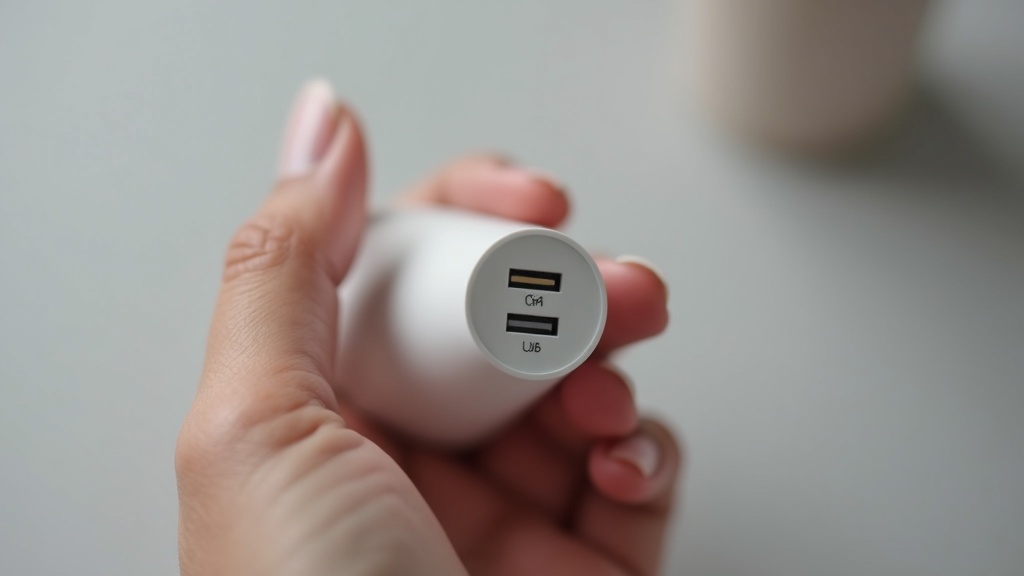
In Japan, AC adapters and chargers sold commercially must be certified under the Electrical Appliance and Material Safety Act (PSE Law). Always confirm that the product or its packaging displays the circular PSE mark (designated electrical appliance).
⚠️ Products without a PSE mark cannot legally be sold in Japan
Gray-market imports and cheap no-name products sometimes lack PSE certification. Get in the habit of checking for the “technical standards compliance” notation on product listings before purchasing.
Beyond PSE, here are additional certifications worth checking:
Heat Management and Safe Usage Tips
GaN chargers run cooler than traditional silicon-based chargers, but it’s completely normal for the unit to feel warm during high-output charging (65W and above). That said, if it ever feels too hot to touch, stop using it immediately.
Cable quality matters just as much as charger quality for safe operation. Using a non-compliant cable with a USB PD charger can not only reduce charging speed but also increase the risk of overheating. Make sure to evaluate your cable choice alongside your charger.
Frequently Asked Questions
Here are answers to the questions that tend to stop people right before they hit “buy.”
What if the charger’s wattage is lower than what my device supports?
Q. My smartphone supports 45W charging, but I only have a 20W charger. Will it damage my phone?
No, it won’t. When a charger’s output is lower than the device’s maximum rated wattage, the charger simply supplies power at its own maximum — your device draws what it can get. The only downside is a longer time to full charge. As for the reverse scenario, using a charger rated higher than your device’s maximum is also safe — the device only draws the power it needs, so there’s no risk of overcharging.
Can I bring a power bank on a plane?
Q. I want to travel internationally with a power bank. Are there restrictions?
Checking power banks in your luggage is generally prohibited. Carry-on is allowed, but capacity limits apply. As a general rule: under 100Wh is unrestricted, 101–160Wh requires airline approval, and anything over 160Wh is not permitted onboard. Most retail power banks include a Wh rating on the packaging, so check before you buy. Since rules vary by airline and route, always verify the latest guidelines on your carrier’s website before you travel.
Do I really need USB-C and USB-A ports on the same charger?
Q. Is USB-A still worth having, or should I just go all USB-C?
If all your devices and cables are already USB-C, a USB-C-only charger is all you need. However, if you’re still charging older wireless earbuds, car accessories, or sharing a charger with family members who use USB-A cables, a mixed-port model offers real practical value. Just be aware that using multiple ports simultaneously often reduces the maximum output per port — always check the spec sheet for multi-port output values before buying.
Conclusion: The Best USB-C Chargers & Power Banks to Buy in 2026
We’ve worked through the most common pre-purchase questions in the Q&A section above. Now, let’s cut to the chase — here’s a clear breakdown of what to buy based on your budget and how you plan to use it. The more options there are, the easier it is to get overwhelmed, so having a solid set of criteria makes all the difference.
Best Picks by Use Case & Budget
【How to Choose Based on What You Need】
- Just need to charge one smartphone on the go: A compact GaN single-port charger at 45W or higher is your best bet. It won’t weigh down your bag and works great at cafés or during commutes.
- Need to charge a laptop too: Go with a USB-PD charger in the 65W–100W range. A multi-port model lets you power your laptop and phone simultaneously from a single brick.
- Power bank for long trips or travel: Look for 10,000mAh or more with at least 20W output. Just make sure it stays within the airline carry-on limit (under 100Wh).
- Best value for the money: CIO and Baseus offer an excellent price-to-performance ratio — a great starting point if you’re trying GaN charging for the first time.
- Quality and after-sales support come first: Anker has strong domestic customer support, and when you factor in long-term reliability, the total cost of ownership often works out in your favor.
Can’t Decide? Here Are Our Top 2 Final Picks
If you just want someone to tell you which one to get, narrow it down with these two options based on what you’re looking for.
01
Looking for a charger?: A GaN-powered multi-port model around 65W. It handles your smartphone, laptop, and tablet all at once — versatile enough for everyday use and travel alike.
02
Looking for a power bank?: A slim, lightweight 10,000mAh model with 20W+ PD support. It’s easy to carry and delivers enough juice for 2–3 full smartphone charges — exactly the kind of peace of mind you want for daily life.
All it takes is checking three things — wattage, number of ports, and capacity — against your own needs, and you’ll be well on your way to a purchase you won’t regret. For the latest pricing and stock availability, be sure to check each brand’s official website or product listing page.