You found the perfect YouTube tutorial, spotted a brilliant thread on X, saw an inspiring Instagram post — then lost them all in the endless scroll. Sound familiar?
If you’ve ever bookmarked content with the best intentions only to never find it again, Notivx is the note-taking app built for the way we actually consume information in 2026.
In this review, we’ll walk through every feature of Notivx and explain why it’s becoming the go-to app for social media-savvy note-takers.
What Is Notivx?
Notivx is a note-taking app for iPhone, iPad, Mac, and Apple Vision Pro with one standout concept: “Web and notes, all in one.”
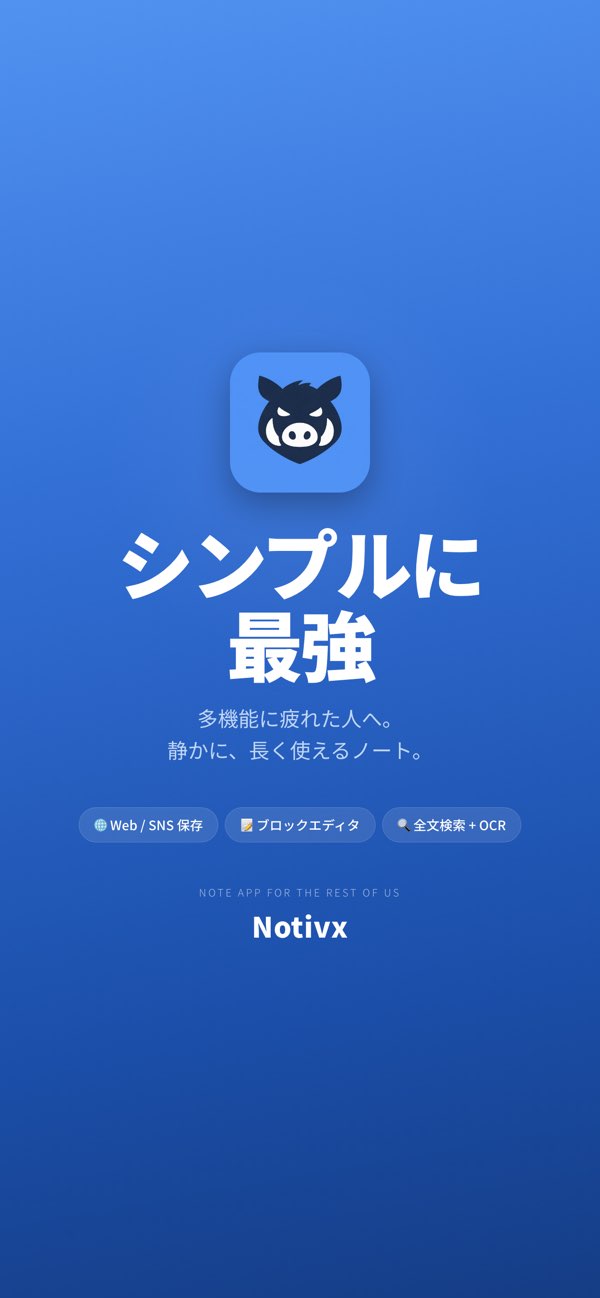
Its killer feature is the seamless fusion of social media content and note-taking. You can embed and display YouTube videos, X (formerly Twitter) posts, and Instagram content directly inside your notes. Combined with Safari web clipping, a block editor, and full-text search optimized for multiple languages, Notivx handles everything from information capture to knowledge organization in a single app.
For anyone frustrated by Evernote’s free plan limitations (50 notes max), Notivx fully supports .enex file imports for a smooth migration.
Key Features
Save Social Media Content Natively
This is Notivx’s biggest differentiator — no other note app does this:
- YouTube — Embed videos directly in your notes for playback
- X (Twitter) — Save posts with full formatting and media
- Instagram — Clip posts for later viewing inside your notebook
- Video downloads — Save video files locally for offline viewing
That tweet thread you lost in your timeline? That YouTube tutorial you forgot to save? With Notivx, everything stays exactly where you put it.
Safari Extension for One-Tap Web Clipping
Notivx includes a Safari Action/Share Extension that captures web content with a single tap:
- Automatically strips ads and sidebars
- Saves clean article text only
- Works with news sites, blogs, and social media pages
Think of it as Evernote’s Web Clipper — but lighter, faster, and integrated with your social media saves.
Block Editor for Structured Notes
Notivx uses a block-based editor similar to Notion or WordPress:
- Text blocks — Free-form writing
- Checklists — Task management and shopping lists
- Lists — Bulleted and numbered
- Dividers — Visual section breaks
- Attachments — Images, videos, audio, PDFs, and other files
Blocks can be easily rearranged, letting you build anything from quick memos to structured documents.
Full-Text Search Optimized for Multiple Languages
Notivx’s search engine features a custom FTS5 engine with n-gram tokenizer, delivering accurate results across Japanese, English, and other languages. Premium users also get OCR for searching text inside images and PDFs.
iCloud Sync Across Devices
All your notes sync automatically via iCloud across iPhone, iPad, Mac, and Apple Vision Pro. Start a note on your iPhone during your commute, continue editing on your Mac at home — seamlessly.
Complete Evernote Migration Support
Notivx fully supports .enex file imports, bringing over your notes, tags, and attachments. It also supports .pnbak format for backup and restore.
Rich Media Attachments
Attach virtually any file type to your notes: photos, videos, audio memos, PDF documents, and more.
Pricing Plans
| Plan | Price | Key Features |
|---|---|---|
| Free | $0 | Up to 50 notes / Full block editor / Safari web clip / iCloud sync / Full-text search |
| Premium | ~$4/month | Unlimited notes / Video saving / OCR (search text in images & PDFs) / Priority support |
The free plan includes all core features, so you can try everything before deciding to upgrade.
Who Should Use Notivx?
- Social media power users — The only note app that embeds YouTube, X, and Instagram content natively
- Evernote refugees — Full .enex import support for painless migration
- Multilingual users — N-gram tokenizer delivers accurate search in Japanese, English, and more
- Minimalism seekers — Essential features without the bloat of overcomplicated tools
- Apple ecosystem users — iCloud sync across iPhone, iPad, Mac, and Vision Pro
- Web researchers — Safari extension for one-tap clipping with automatic ad removal
How Notivx Compares to Other Note Apps
| Feature | Notivx | Evernote | Notion | Apple Notes |
|---|---|---|---|---|
| SNS Embedding | ✅ | ❌ | △ (links only) | ❌ |
| Web Clipping | ✅ | ✅ | ✅ | ❌ |
| Multilingual Search | ✅ (n-gram) | ✅ | ✅ | ✅ |
| Free Note Limit | 50 | 50 | Unlimited | Unlimited |
| Paid Plan | ~$4/mo | ~$8/mo+ | ~$15/mo/user+ | Free |
| Offline Access | ✅ | Paid only | Limited | ✅ |
| Evernote Import | ✅ (.enex) | — | ✅ | ❌ |
| App Size | 4.8 MB | ~200 MB | ~100 MB | Built-in |
Notivx’s standout advantage is native social media embedding — the ability to display YouTube videos, X posts, and Instagram content directly inside your notes is unique among note-taking apps.
At just 4.8 MB, it’s also remarkably lightweight compared to Evernote (~200 MB) and Notion (~100 MB).
Supported Devices & Specs
| Spec | Details |
|---|---|
| Devices | iPhone / iPad / Mac / Apple Vision Pro |
| Minimum OS | iOS 18.0+ |
| App Size | 4.8 MB |
| Languages | 9 languages including English and Japanese |
| Category | Productivity |
| Developer | Mamiko Tsukamoto |
The Bottom Line
Notivx is a note-taking app built for how we actually consume information today — through social media feeds, YouTube recommendations, and web articles.
- Embed YouTube, X, and Instagram content directly in your notes
- One-tap Safari web clipping
- Accurate multilingual full-text search
- Smooth Evernote migration via .enex import
- Ultra-lightweight at just 4.8 MB
The free plan gives you access to all core features. If you’re looking for a modern note app that actually keeps up with how you browse the internet, Notivx is worth a try.